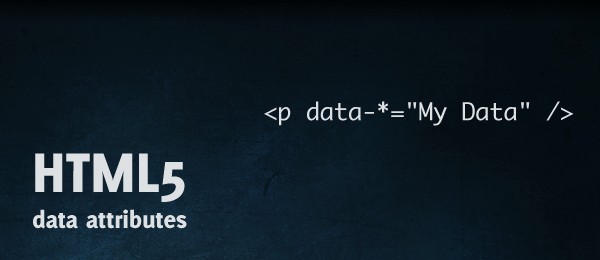
This is used for store a value(its may string, array or object) on a html element.

Setting "data":
<input type="text" id="city" data-info="Main City" /> // Setting via html.
$('#city').data('city', "Main City"); // Setting via JS.
$('#city').data('city', ["blue","green","red"]); // Store array.
$('#city').data('city', {special:"River",issue:"Factory"}); // Store object.
Getting Data:
var detail=$('#city').data();
Note: Do not use capital letters on "data" attribute name. Its not working.

